Best SEO Tools for Small Business in 2026 (Free and Paid, Compared)

Best SEO Tools for Small Business in 2026 (Free and Paid, Compared)
If you've worked through the basics in our small business SEO guide — confirming your site is indexed, fixing your on-page basics, setting up your Google Business Profile — the free tools built into Google cover you for a while. At some point, though, you'll hit the ceiling: you want to know what your competitors rank for, which keywords are actually realistic, or why a page stopped ranking and you can't tell from Search Console alone.
That's the point where a paid tool starts earning its cost. This guide compares the realistic options for a small business budget, not the full agency-grade lineup — and is upfront about which one most small businesses end up choosing, and why.
Key Takeaways
- Start with the free tools: Google Search Console, Google Analytics, and Google Business Profile insights. They're non-negotiable regardless of what else you use.
- A paid all-in-one tool becomes worth it once you're tracking competitors, managing more than a handful of pages, or doing keyword research regularly.
- Semrush is the most complete all-in-one option — keyword research, competitor analysis, site audits, rank tracking, and local SEO in one subscription.
- Cheaper, narrower tools can cover the basics at a lower monthly cost, but they leave gaps you'll eventually have to fill with a second tool.
- The best way to know if a paid tool fits your business is to try it against your own site first, not to guess from a feature list.
Table of Contents
- How to Choose, Before You Compare Tools
- Free Tools Every Small Business Should Be Using
- Semrush — Best All-in-One Option
- Ubersuggest — Best Budget-Friendly Option
- Ahrefs — Best for Backlink Research
- Comparison Table
- Which One Should You Actually Start With?
- Frequently Asked Questions
How to Choose, Before You Compare Tools
The honest answer to "which SEO tool is best" is: it depends what's actually slowing you down. Before picking anything, be specific about the problem:
- You don't know what to write about → you need keyword research
- You don't know why a competitor outranks you → you need competitor analysis
- You don't know if your site has technical problems → you need a site audit tool
- You want to track whether your rankings are moving → you need rank tracking
Most all-in-one platforms do all four. The real question is whether you want one tool that covers everything as you grow, or whether a narrower option covers today's bottleneck at a lower cost.
Free Tools Every Small Business Should Be Using
Regardless of what paid tool you add, these stay in your stack:
- Google Search Console — the only source of your actual indexing status, real click and impression data, and exactly which queries bring people to your site. No paid tool replaces this.
- Google Analytics (GA4) — shows what happens after someone lands on your site: which pages keep people, where they drop off, what converts.
- Google Business Profile insights — if you're a local business, this shows how people find and interact with your listing specifically.
If budget is genuinely at zero, these three plus the manual keyword research approach in our beginner's SEO guide will take you further than most people expect. When you're ready for the next level — competitor data, difficulty scoring, rank tracking — that's where the paid tools in this guide come in.
Semrush — Best All-in-One Option
Semrush is the tool most small businesses end up choosing, and for good reason — it covers keyword research, competitor analysis, site audits, rank tracking, backlink data, and a dedicated local SEO toolkit in one subscription. If you're the only person managing your site's SEO, that single-dashboard setup is a real advantage over stitching together five separate tools.
👉 Try Semrush free — see the keyword and competitor data for your own site →
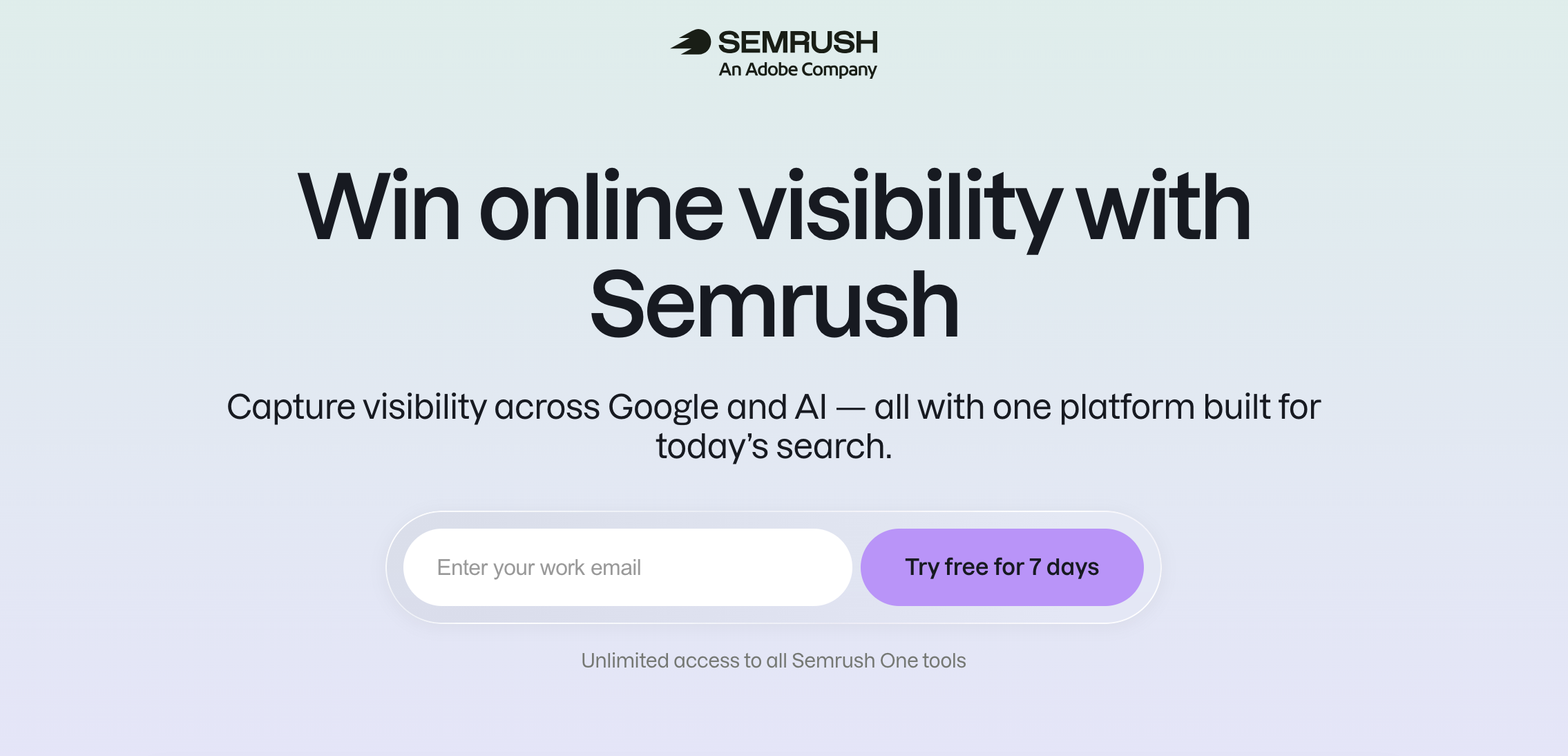
What you get:
- Keyword research with realistic difficulty scoring, so you're targeting terms with a real chance of ranking — not guessing
- Competitor analysis — see what pages and keywords are actually driving traffic to sites outranking you
- Site audits that flag technical issues in plain language, not just raw error codes
- Position tracking — monitors where your pages rank over time, so you're not relying on manual checks
- A local SEO toolkit for businesses managing directory listings across multiple platforms
What to know before you start:
- It's a premium tool, and the price reflects how much it replaces. If you're currently paying for separate keyword, audit, and rank tracking tools — or spending hours doing that research manually — the subscription often costs less than the alternatives combined.
- The platform packs a lot in. Your first week is best spent exploring the features that match your immediate need (keyword research or a site audit, usually), then expanding from there.
- The free trial gives you full access to test it against your own site and your real competitors — the most sensible way to judge whether it fits your workflow before committing to a monthly plan.
If your business has moved past the free-tools stage and you want one platform covering keyword research, competitor tracking, and local SEO — without juggling multiple logins — Semrush is the most complete option available.
👉 Start your free Semrush trial and test it against your own website →
Ubersuggest — Best Budget-Friendly Option
Ubersuggest covers keyword suggestions, basic competitor insight, and site audits at a lower price point than the larger platforms, including a usable free tier. It won't match Semrush on depth — competitor data and backlink analysis are noticeably thinner — but for a small business doing occasional keyword research rather than daily competitive tracking, it covers the basics.
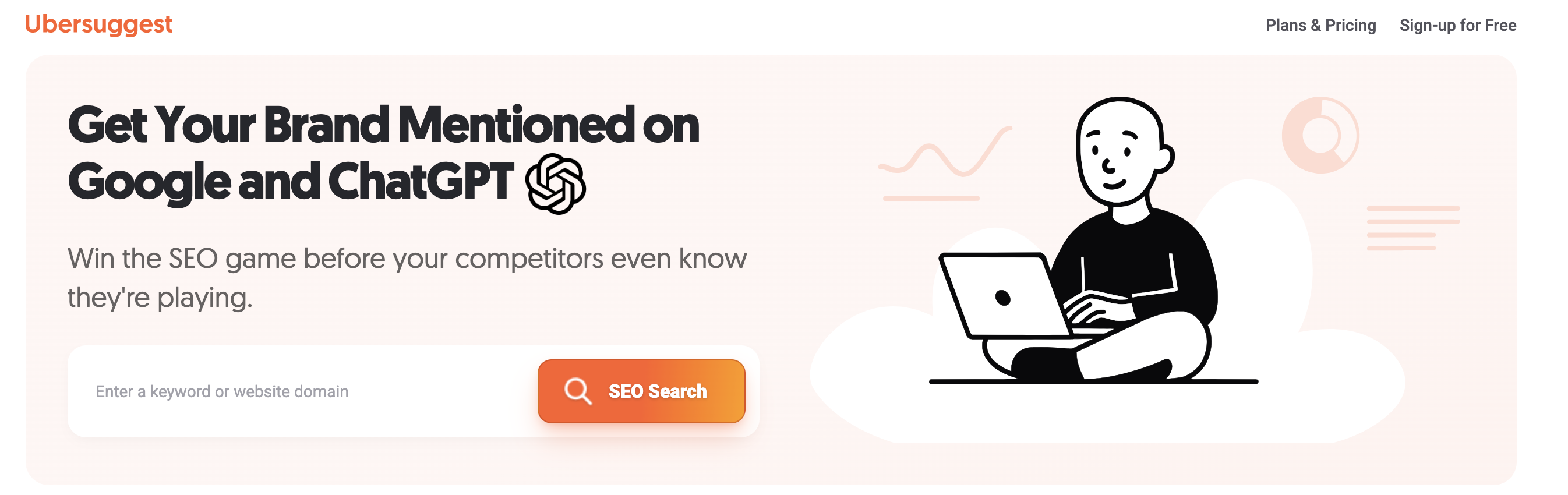
Best for: a solo owner or very small team who needs keyword ideas and a basic site audit and wants to keep monthly costs low. If you outgrow it, the natural upgrade is a tool like Semrush that covers competitor analysis and local SEO in the same place.
Ahrefs — Best for Backlink Research
Ahrefs is generally considered to have the strongest backlink database of the major SEO platforms, which matters specifically once you're actively working on Step 6 of our SEO checklist — earning links and wanting to see exactly who links to competitors and why.
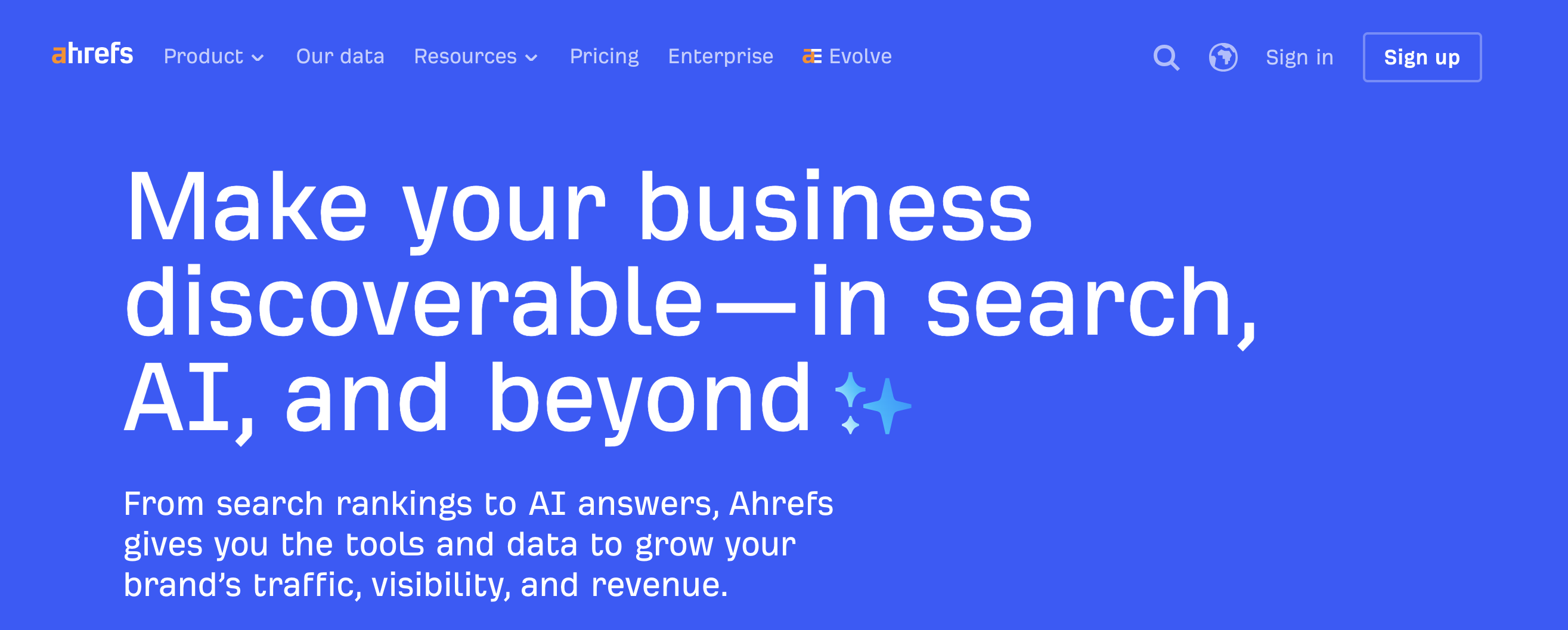
Best for: a business that's past the basics and specifically focused on link-building and competitive backlink analysis. If you want broader coverage — keywords, site audits, and local SEO in addition to backlinks — Semrush covers more ground in one subscription.
Comparison Table
| Tool | Best for | Free plan | Learning curve |
|---|---|---|---|
| Semrush | All-in-one: keywords, competitors, local SEO, rank tracking, audits | Free trial | Moderate |
| Ubersuggest | Budget keyword research | Yes, usable | Low |
| Ahrefs | Backlink and competitor link analysis | Very limited | Moderate |
| Google Search Console | Indexing and real search data | Free (always) | Low |
Which One Should You Actually Start With?
If you're not sure, this is the realistic order for most small businesses:
- Get the free tools running properly first — Search Console, Analytics, Google Business Profile. These stay in your stack no matter what you add later.
- If you want one paid tool that covers everything, Semrush is the most complete option — and the free trial lets you see exactly what it would show you for your own site before you commit.
- If budget is the deciding factor right now, Ubersuggest covers the core of keyword research at a lower monthly cost.
- If link building specifically is your current bottleneck, Ahrefs is worth adding once you're actively pursuing backlinks.
For most small businesses ready to move past free tools, starting with a Semrush free trial is the fastest way to know whether the paid tier is worth it for your specific situation.
👉 Try Semrush free for your small business →
Frequently Asked Questions
Do I really need a paid SEO tool as a small business? Not immediately. The free tools cover the fundamentals in our beginner's SEO guide. A paid tool earns its cost once you're managing enough pages, or enough competition, that guessing starts costing you more time than the subscription would.
Is Semrush worth the price for a small business? For businesses past the free-tools stage — especially those tracking competitors or managing multiple pages — the value it replaces (keyword research, rank tracking, site audits, and local SEO in one place) typically outweighs the cost. We break this down in detail in our dedicated Semrush review for small business.
What's the cheapest way to start with SEO tools? Google Search Console, Google Analytics, and Google Business Profile — all free, and sufficient for a business just getting started. Add a paid tool once you've outgrown them.
Can I switch between tools later? Yes — most of these are month-to-month, and switching doesn't lose your website's rankings or data, since the tools are just windows into public and Google-provided data, not something that locks you in.
This article includes an affiliate link, which means we may earn a commission if you sign up through it, at no extra cost to you. We only recommend tools we'd genuinely suggest to a small business in this position.
Not sure which of these fits your situation, or want your site's SEO foundation handled for you instead? Smart Tech Build can set it up properly from the start. Get in touch →
Related Posts:
Kehinde Adegbesan
Kehinde is the founder of Smart Tech Build and a passionate software developer. He writes about AI, web development, and tools that help businesses grow.
Connect on LinkedIn